Pop-up shops and new locations5 min read
Getting tills, payments and internet ready for a pop-up shop
Choose tills and card readers, check the site's internet and prepare products and staff, with a four-week checklist for opening your pop-up shop.

5 min read
Hiring a card reader for a market or event? Get your payment account ready, check the connection at your pitch and leave time to test the equipment before you trade.
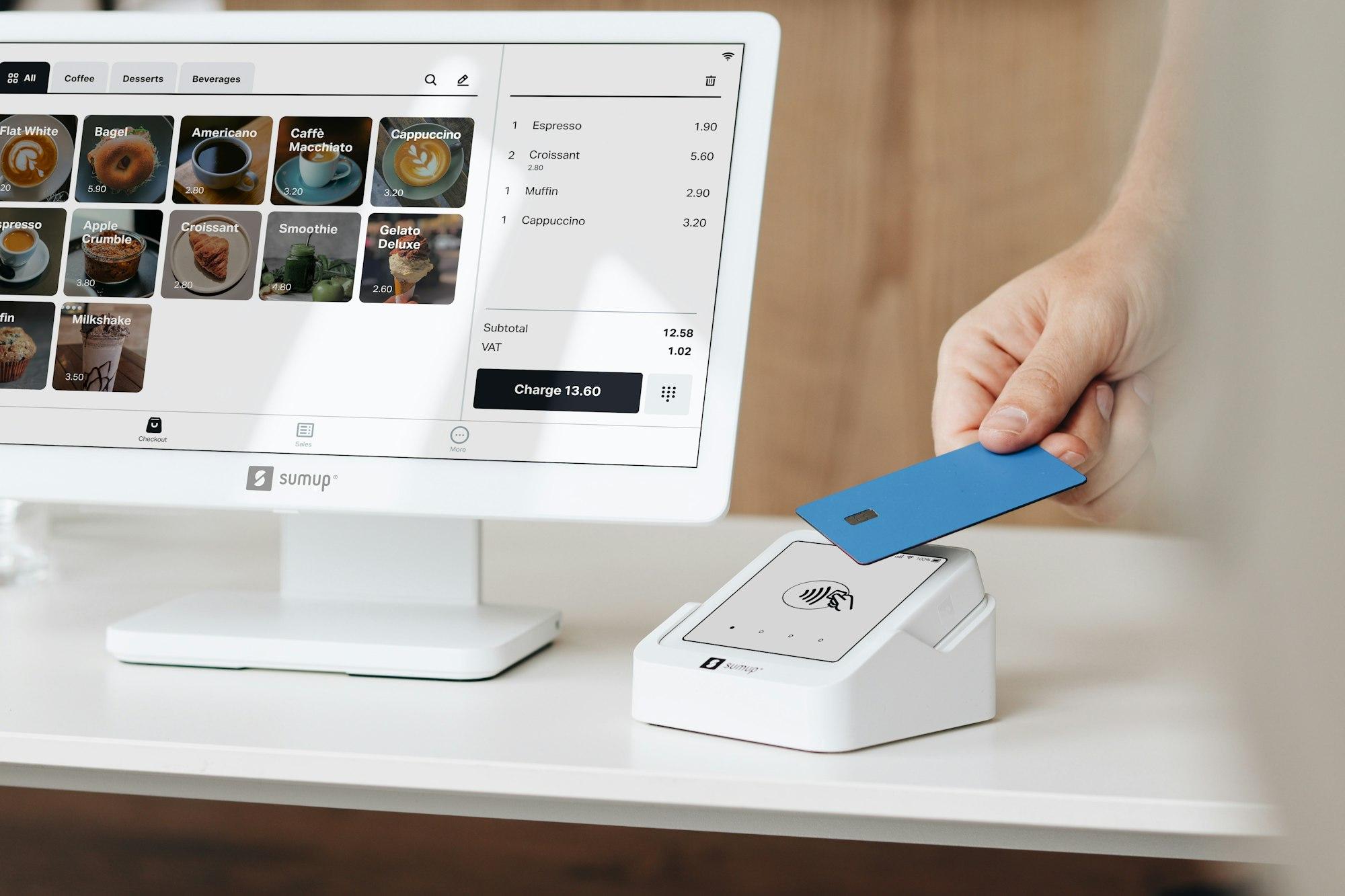
You'll need your own payment account with SumUp, Square, PayPal POS (formerly Zettle) or Shopify. Choose a reader that works with your provider.
If you need a new account, open it early. The provider's identity and business checks must be complete before you can take payments.
A handheld card reader suits a stall or event where you need to take chip and PIN and contactless payments. A battery-powered model lets you carry it to the customer.
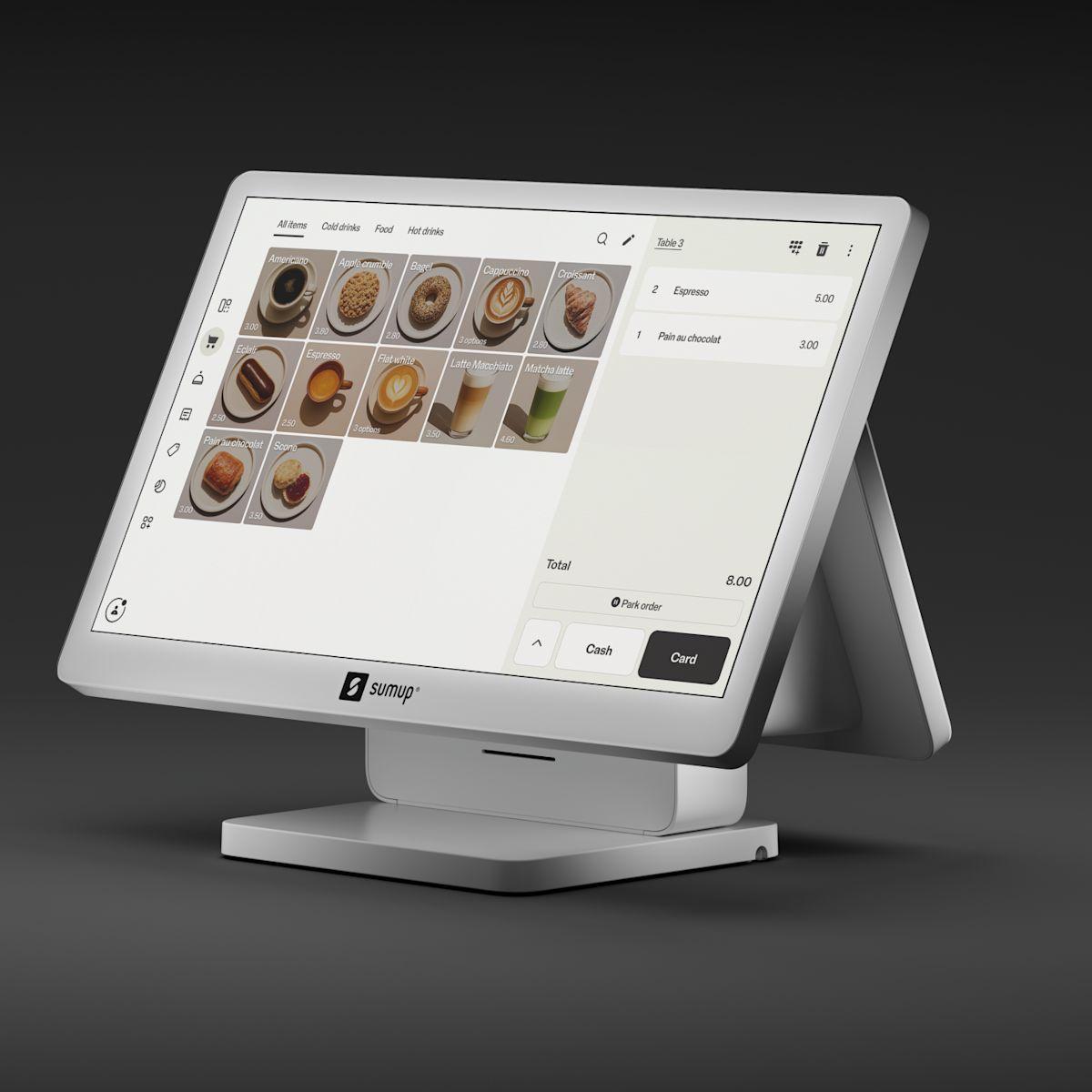
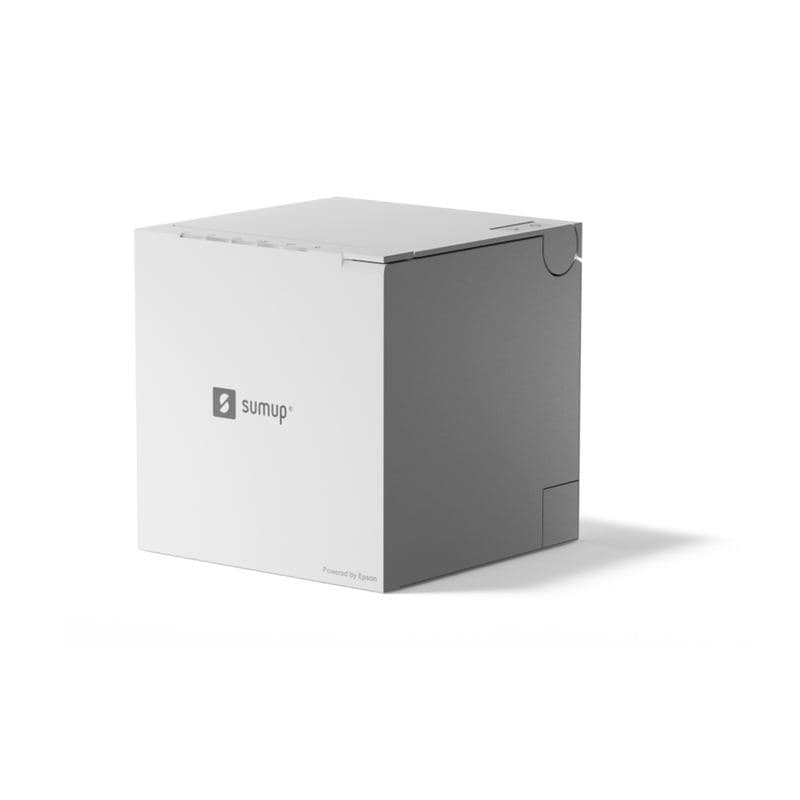
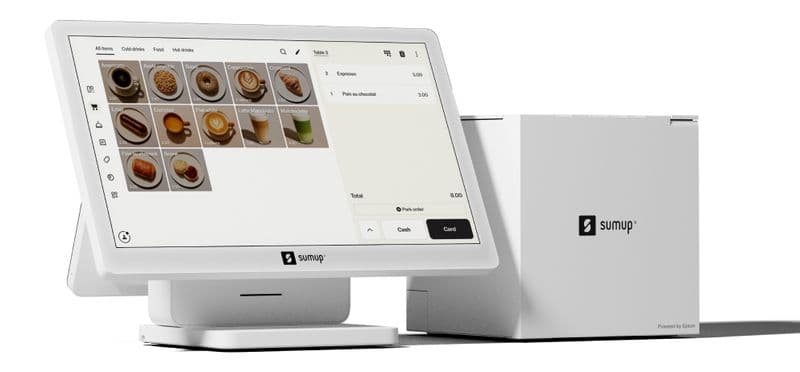
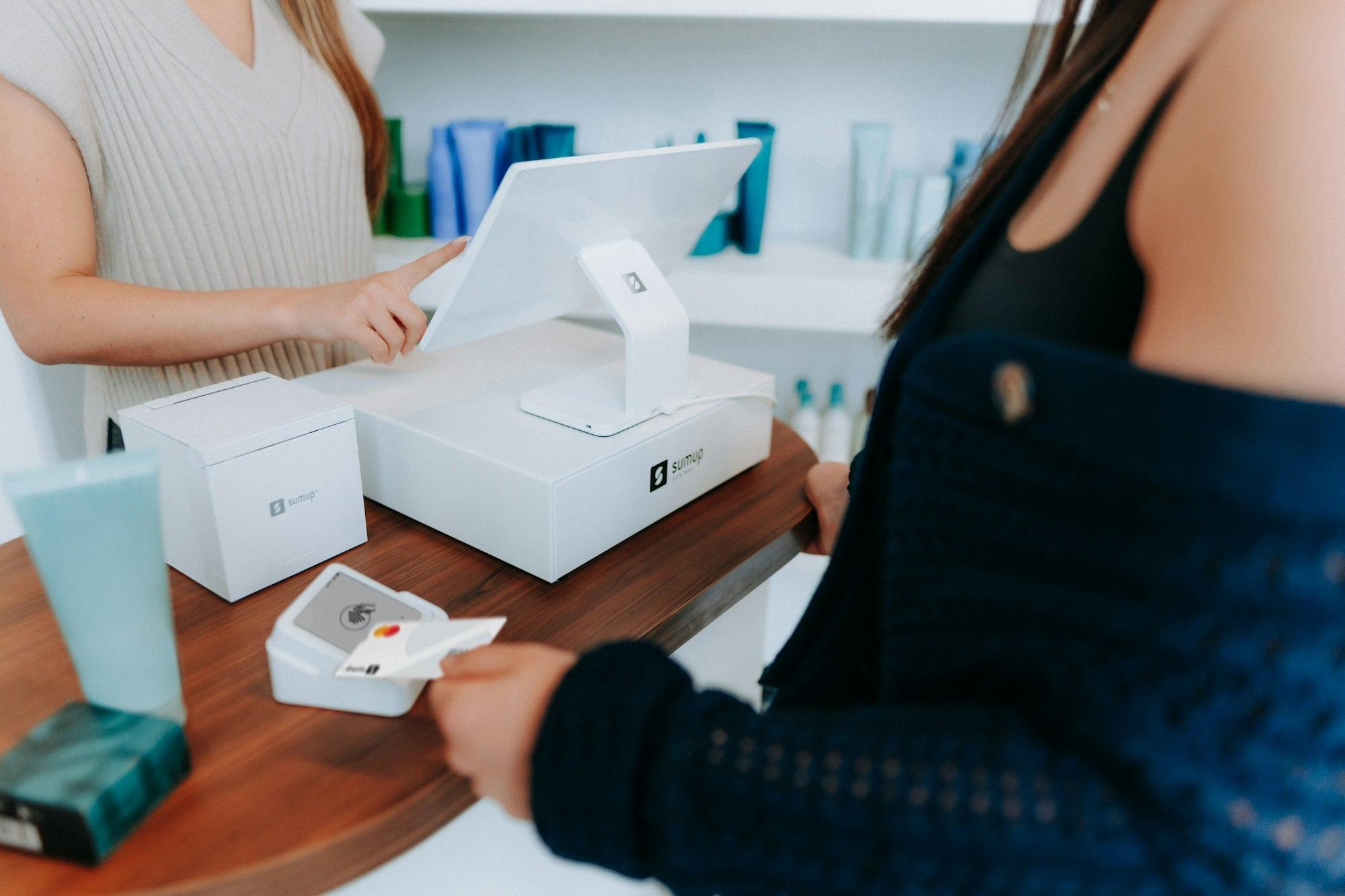
Choose a complete till if you need a larger product screen, a receipt printer or a cash drawer. Check that you have the power and internet connection it needs at the counter.
Arrange for the equipment to arrive in time to sign in and test it before your event.
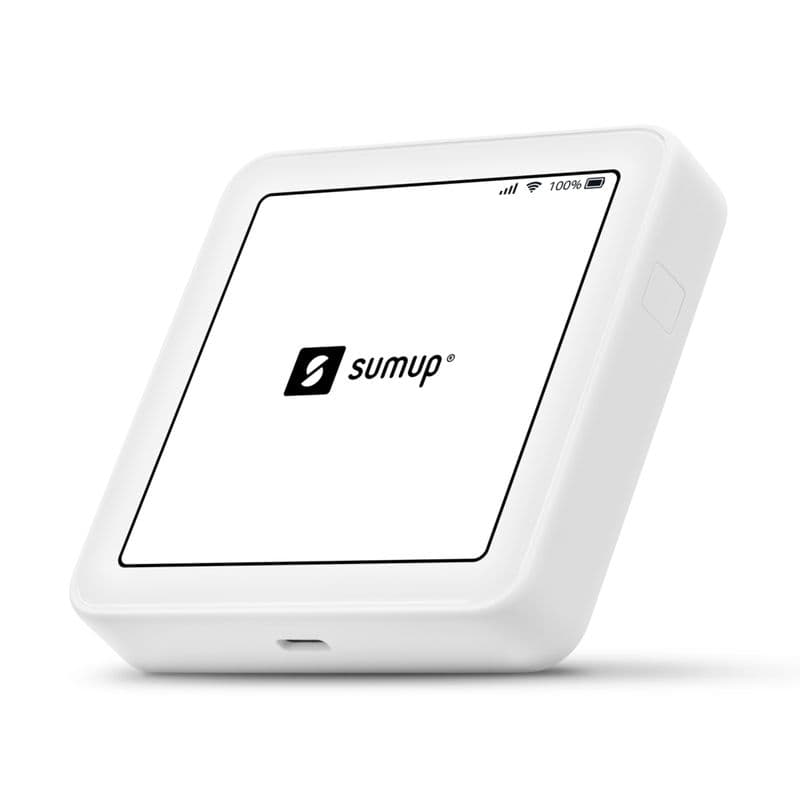
Check whether your reader uses Wi-Fi, mobile data or a connected phone, then test that connection at your pitch. Coverage at the venue entrance doesn't tell you whether it will work inside a marquee or exhibition hall.
If you'll use a product list, add your products and prices in the provider's app before the equipment arrives. Staff can select an item instead of typing its price, and your sales report will show what sold.
Check how your chosen equipment issues receipts. If you need printed receipts, choose a till with a printer. Otherwise, practise sending a digital receipt before the event.
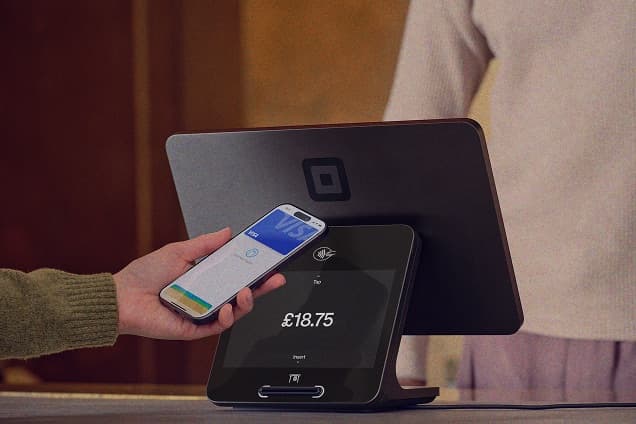
Test the reader, account, connection and receipts together before the event. Follow your provider's instructions for test payments and refunds.
Sign in on the reader or its connected app and select the correct trading location.
Check that the payment appears in the provider app with the correct amount.
Check that it arrives and shows the right business details. Test the printer if you have one.
Find the test sale and check how to issue a refund.
Charge the reader and any phone or tablet you'll use with it.
Keep the packaging for the return. After the event, sign out of your account and pack the reader with its cables and accessories, ready for the agreed return date.
If this is your first time taking card payments, start with the account checks a couple of weeks ahead.
We can help you choose equipment for your event, set it up at your site and test it with you.
Pop-up shops and new locations5 min read
Choose tills and card readers, check the site's internet and prepare products and staff, with a four-week checklist for opening your pop-up shop.
Send your dates, location and the equipment you need. We'll send an itemised hire quote.