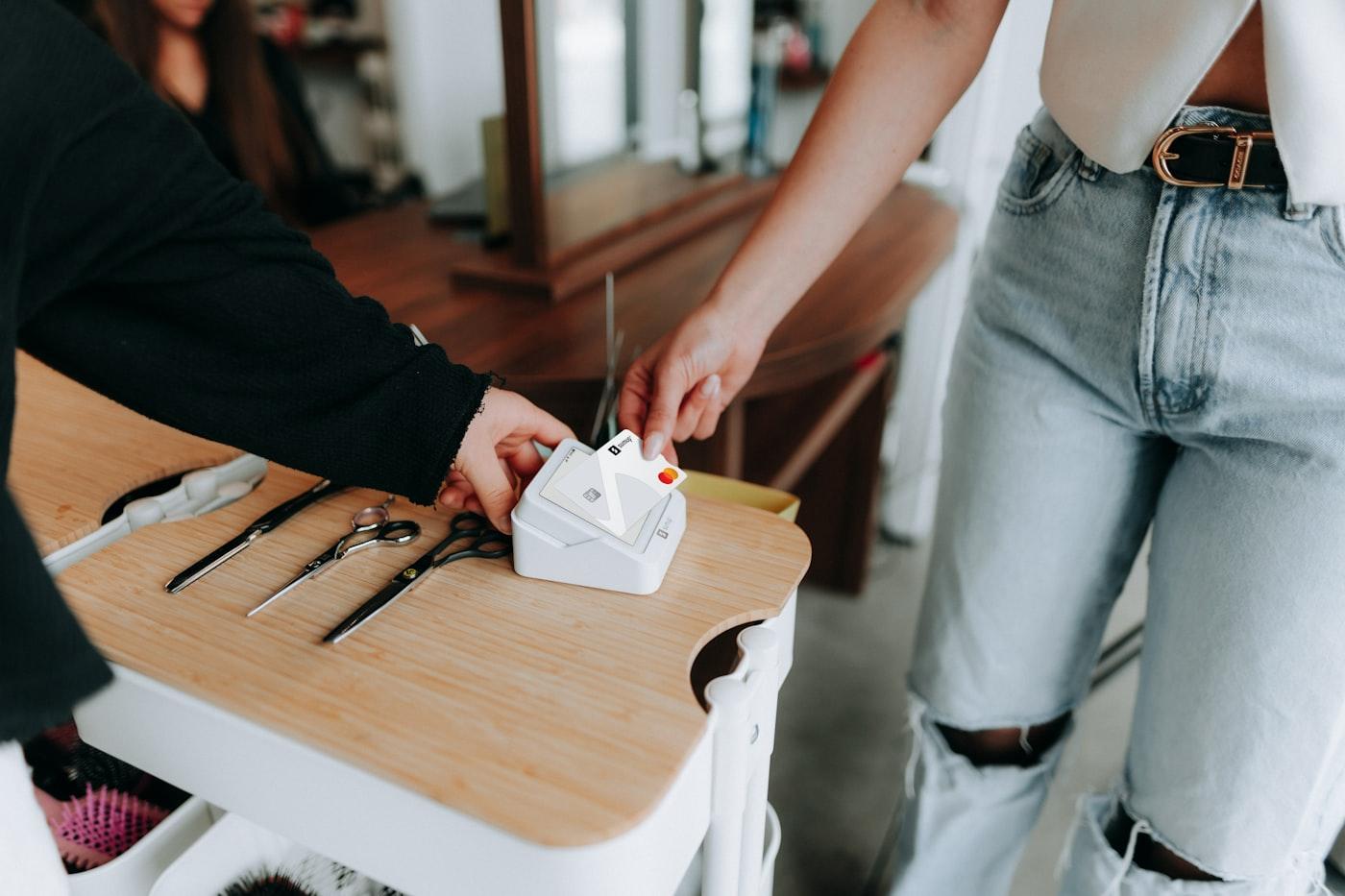
Card machine and till hire5 min read
Hiring a card machine for a day: what to arrange before it arrives
Choose a card reader, get your payment account ready and check the connection before your event, with a checklist for a Saturday market.

5 min read
Before your pop-up opens, you'll need a way to take payments, a reliable connection at the counter and staff who know how to use the till. Start with how you'll sell, then choose and test the equipment for your space.
Choose equipment around what you sell and how you'll serve customers. Write down:
You'll need a payment account in your name or your business's name. If you already use SumUp, Square, PayPal POS (formerly Zettle), Shopify or another provider, check whether you can add the pop-up as a location on that account.
If you need a new account, apply early. Complete the provider's identity and business checks and link your bank account before opening day.
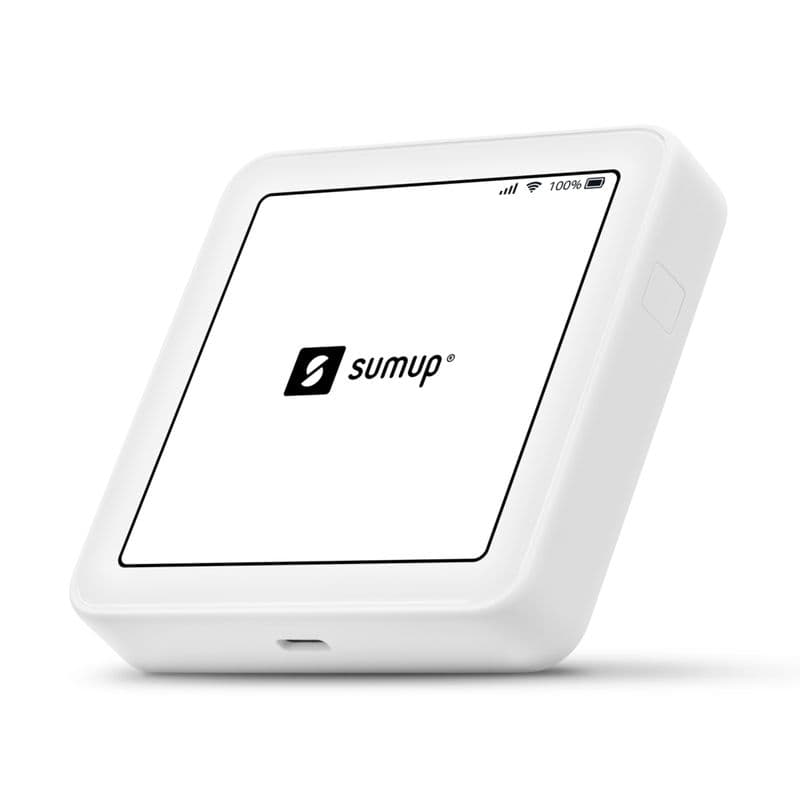
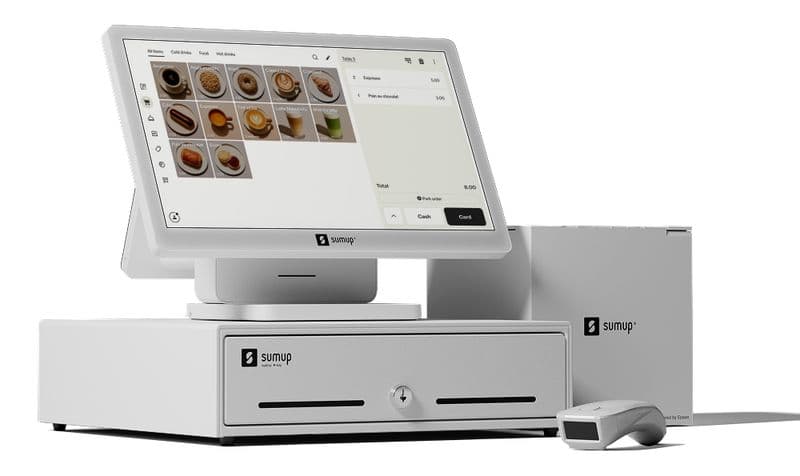
A handheld card reader can suit a small range and card-only trading. A complete till gives staff a larger screen for finding products, with options for a receipt printer, cash drawer and barcode scanner. Scanning is useful when you have lots of similar items or product variants.
Check what connection your equipment needs before committing to the site's Wi-Fi. A reader with its own mobile data can work without it. For a counter till, check the power and network requirements of the model you choose. A mobile router is an option if the site's internet isn't suitable.
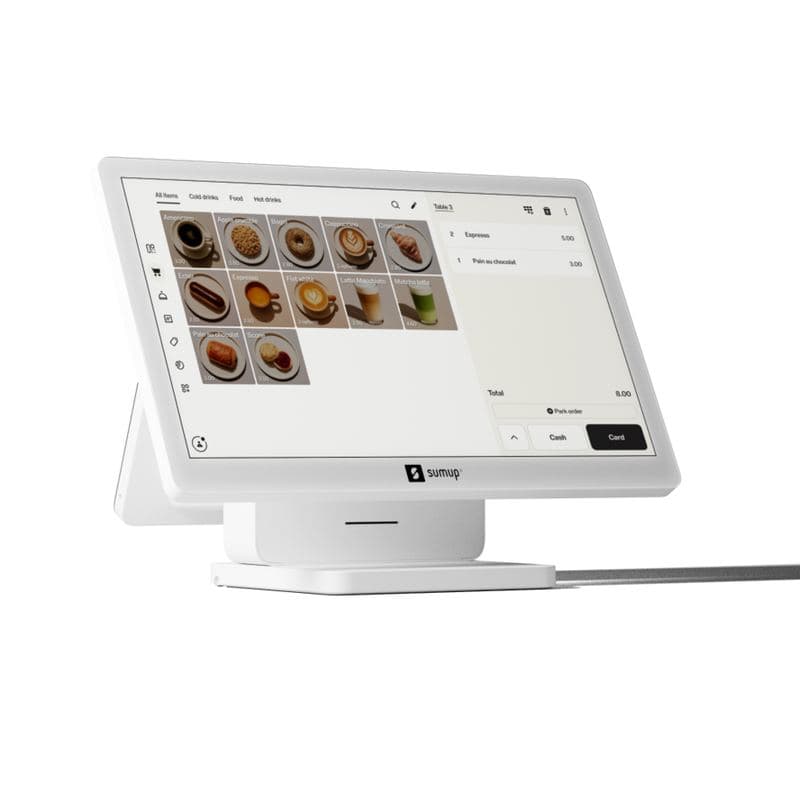
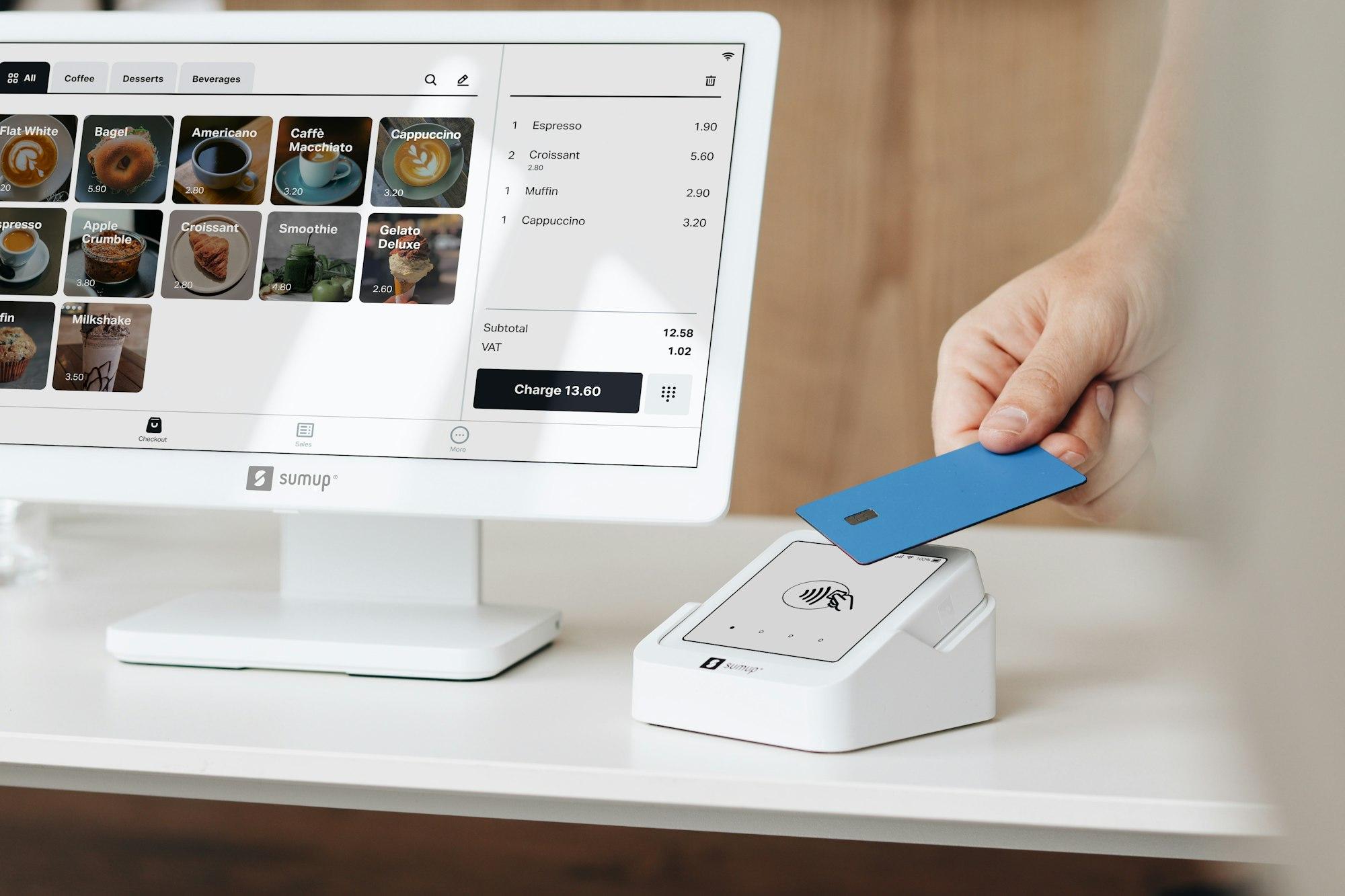
Load your products, prices and tax settings before opening, then check a few items on the till. Staff can find products quickly and your reports will show what sold. If you already sell online, check whether you can import or sync the existing product list to avoid entering it twice.
If you're tracking stock, enter the opening quantities before your first sale. Check that sales and returns update the right location's stock.
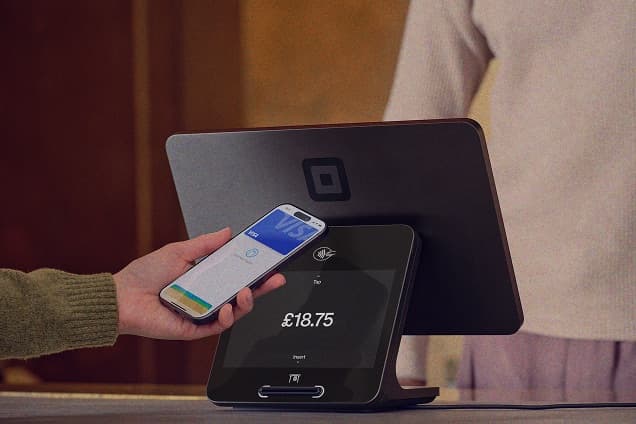
Before opening, follow your provider's instructions to test a payment and refund. Check the tasks your staff will use:
Set up staff logins and let everyone practise a sale and refund. Show them what to do if the connection fails and who to contact for help.

If your pop-up is abroad, check with your payment provider that your account and equipment can be used there. Confirm local receipt and tax requirements with your accountant or a local adviser before configuring the till.
When the pop-up closes, save your sales reports and count the remaining stock. Sign out of hired equipment and return it with its accessories on the agreed date.
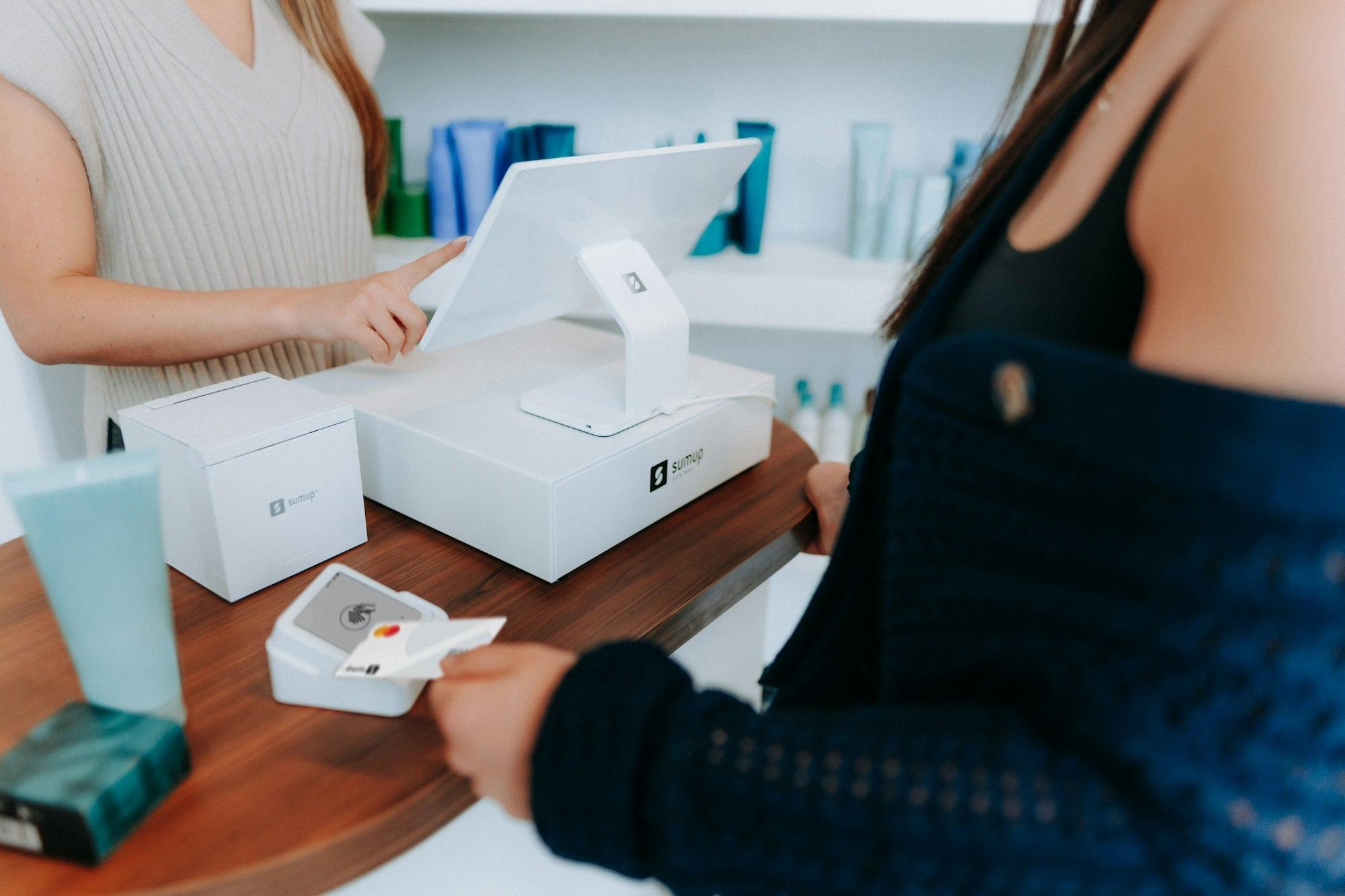
We help you choose tills and payment providers, check the site's internet and power, set up and test your equipment, and show your team how to use it. If you already have a setup, we can help adapt it for the pop-up.
Card machine and till hire5 min read
Choose a card reader, get your payment account ready and check the connection before your event, with a checklist for a Saturday market.
Tell us where and when you plan to trade, and what you need help with.